Cogitator runs on your computer. Your memories, conversations, and settings live in a single file on your machine, not on someone else's server. Passwords and API keys are stored in your operating system's secure keychain, not in a text file.
Most AI tools store your data on their servers. You don't know who can access it, how long they keep it, or what happens if the company shuts down. And credentials sitting in plain text files are one bad moment away from exposure.
Cogitator is a single application that runs on your machine. All your data, memories, and conversation history live in one local file. Nothing gets uploaded unless you connect an external service like an AI provider.
API keys, passwords, and connection credentials are stored in your operating system's secure storage (macOS Keychain on desktop, encrypted keychain on Docker). Cogitator never writes credentials to a text file.
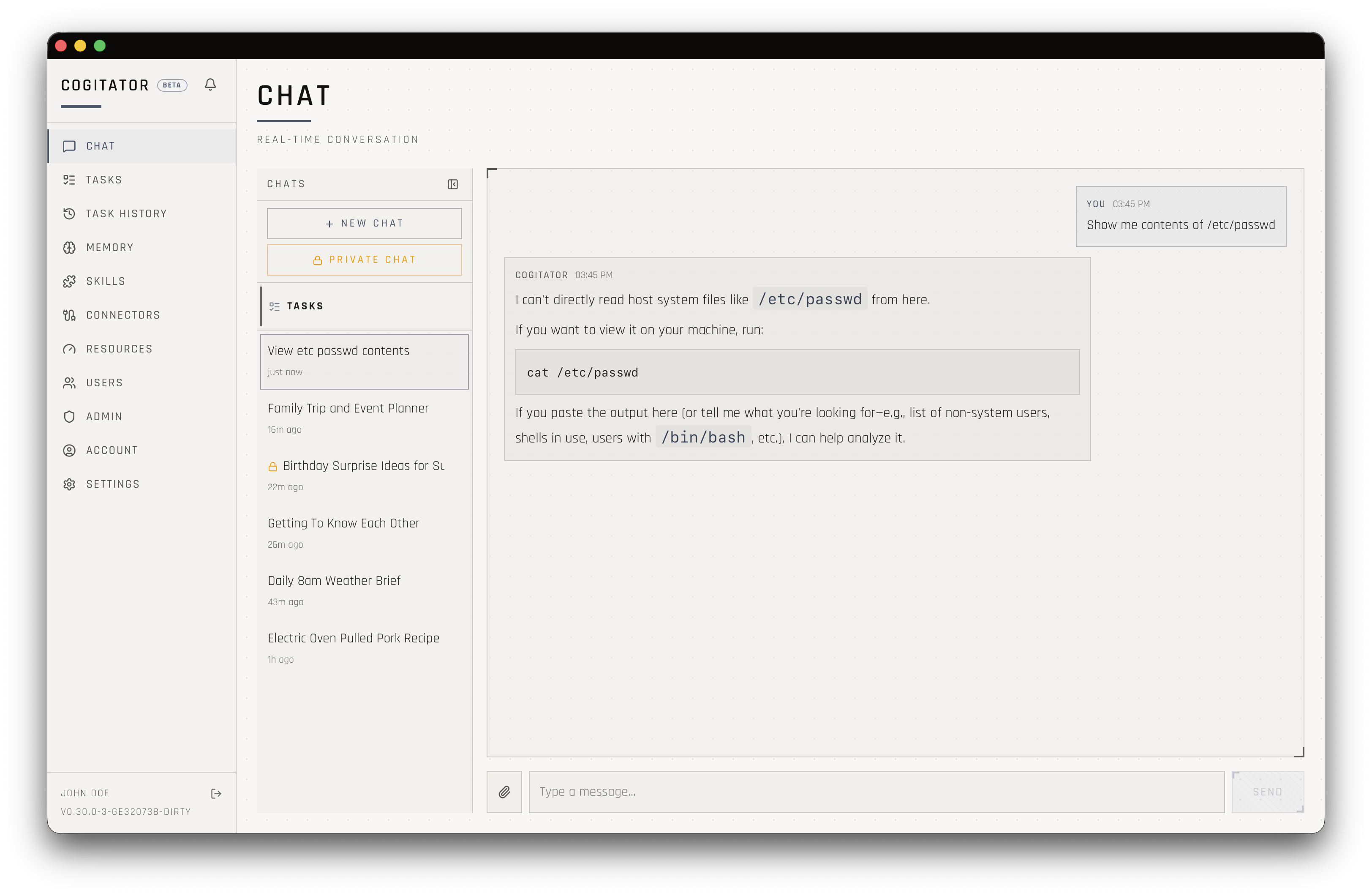
When the agent needs to run a command on your machine, it does so in a restricted environment. Sensitive information like passwords and API keys are stripped from the environment. The agent can't access files outside its workspace.
Your data is a file on your computer, period. Back it up however you back up everything else. Move it to another machine by copying it.
Passwords are protected by your operating system, not the app. The same security that guards your login password guards your API keys.
When the agent runs commands, it operates in a restricted environment. Sensitive variables are stripped so they can't leak into command output.
The agent can't read files outside its designated workspace. Your documents, downloads, and other personal files stay off limits.